

Serial Control
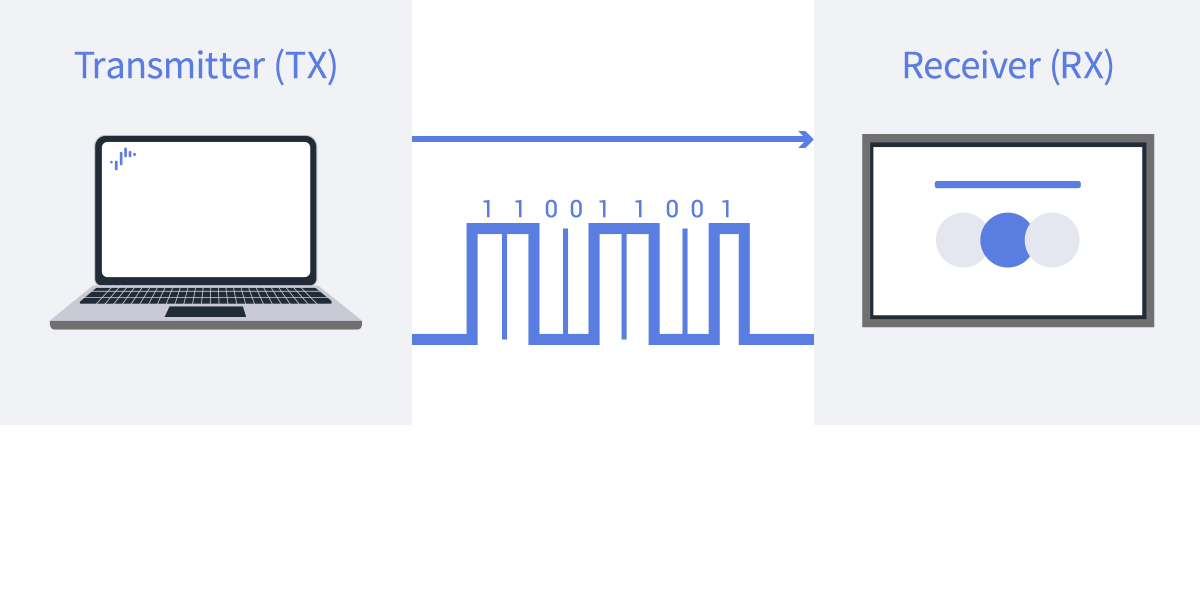
What is Serial Control
Models with Pro mode support external device control and status monitoring via serial connection using the 3.5mm stereo mini jack or HDMI-CEC.
Features
Compact Terminal Design
It is equipped with terminals suitable for space-saving installations where wiring is less affected by the installation environment conditions, such as wall-mounted or narrow spaces.
Stable Communication and Security
It uses a network-independent, one-to-one communication method that is ideal for long continuous operations and sites requiring reliable control.
Compatibility with External Devices
Because it uses a general-purpose protocol, it is designed to easily integrate with AV controllers and control tools, supporting integration with various systems.
Connect with Cable

Prepare a USB to 3.5mm mini plug conversion cable, TTL serial cable, etc.

Sample tool

A sample tool that sends RS232C commands to the monitor and receives responses. Extract the ZIP file to a folder of your choice. (Example: C:\serial_control>)
BRAVIA Professional Displays has a 3.5 mm stereo mini terminal for RS232C serial communication. Use a serial cable or adapter that meets the following specifications.

For RS232C Serial Communication
Required settings for RS232C serial communication.
Procedure: [Settings] →[Remotes & Accessories]→[RS232C control]→Enable [via serial port].
For CEC Commands via HDMI
Required settings when using CEC commands via HDMI connection.
Procedure: [Settings] → [Remote control & accessories] → [RS232C control settings] → Enable [Via HDMI port].
Note:
To control HDMI-CEC, you need to prepare a conversion device such as a decoder to convert HDMI signals to RS232C control signals (not recommended).
When using external devices such as STBs, also enable BRAVIA Sync.
Procedure: [Settings]→[Inputs] → [BRAVIA Sync settings]
Switch to “Normal Mode” or “Pro Mode” Environment
Set up in Normal mode or Pro mode.
Specifications
| Item | Setting Value |
|---|---|
| Baud Rate | 9600 bps |
| Data Bits | 8 bits |
| Parity | None |
| Start/Stop Bit | 1 bit |
| Flow Control | None (false) |
Data Format
Write Request for Control (PC → Monitor)
| Byte | Item | Value | Notes |
|---|---|---|---|
| 1 | Header | 0x8C | Fixed value “Control” |
| 2 | Category | 0x00 | Fixed value |
| 3 | Function | 0xXX | Command code (See Command definitions) |
| 4 | Length | 0xXX | Length from Data 1 to Check Sum (N+1 bytes) |
| 5 | Data[1] | 0xXX | Operation content |
| : | : | : | Additional data (varies by command) |
| N+4 | Data[N] | 0xXX | Last data |
| N+5 | Check Sum | 0xXX | Sum of Byte 1 to Byte[N+4] (lower 1 byte) |
The “Length (Including Check Sum)” in the table below shows the value of Byte 4 (Length) in the structure above and the corresponding Data section. The actual transmitted packet has Header, Category, and Function at the beginning.
See details Command definitions.
Read Request for Query (PC → Monitor)
| Byte | Item | Value | Notes |
|---|---|---|---|
| 1 | Header | 0x83 | Fixed value “Query” |
| 2 | Category | 0x00 | |
| 3 | Function | 0xXX | |
| 4 | Data[1] | 0xFF | |
| 5 | Data[2] | 0xFF | |
| 6 | Check Sum | 0xXX | Sum of Byte 1 to Byte 5 (lower 1 byte) |
Response to Control Request (Monitor → Computer)
| Byte | Item | Response Status | Value | Notes |
|---|---|---|---|---|
| 1 | Header | 0x70 | Fixed value “Answer” | |
| 2 | Answe | Completed | 0x00 | Normal completion. Packet was received normally and processing completed successfully. |
| 2 | Answer | Limit Over | 0x01 | Abnormal termination – exceeds maximum value. Packet was received normally, but data value exceeds the upper limit. |
| 2 | Answer | Limit Over | 0x02 | Abnormal termination – below minimum value. Packet was received normally, but data value exceeds the lower limit |
| 2 | Answer | Command Canceled | 0x03 | Abnormal termination. Packet was received normally, but data is incorrect or request is not accepted with current host value. |
| 2 | Answer | Parse Error | 0x04 | Data format error. Packet was not received correctly (undefined data format) or Check Sum error. Returned as Limit over (0x01 or 0x02). |
| 3 | Check Sum | N/A | 0xXX | Sum of Byte 1 and Byte 2. However, returned as Limit over (0x01 or 0x02). |
Response to Query Request (Normal End)
| Byte | Item | Response Status | Value | Notes |
|---|---|---|---|---|
| 1 | Header | N/A | 0x70 | Fixed value “Answer” |
| 2 | Answer | Completed | 0x00 | Packet was received normally and processing completed successfully. |
| 2 | Answer | Command Canceled | 0x01 | Request is not accepted with current host value, but packet was received normally. |
| 2 | Answer | Parse Error | 0x02 | Data format error. Packet was not received correctly, undefined data was received, or Check Sum error occurred. |
| 3 | Return Data Size | N/A | 0xXX | N+1 [bytes] The total length between Return Data1 and Check Sum.Return Data returns the read value. |
| 4 | Return Data 1 | N/A | 0xXX | N+1 [bytes] Total between Return Data 1 and Check Sum. Return Data returns the read value. |
| : | : | N/A | 0xXX | N/A |
| : | : | N/A | 0xXX | N/A |
| N+3 | Return Data N | N/A | 0xXX | N/A |
| N+4 | Check Sum | N/A | 0xXX | Sum of Byte 1 to Byte[N+3]. If the value exceeds 0xFF (1 byte), the last byte of the data is used. |
Response to Query Request (Abnormal End)
| Byte | Item | Value | Notes |
|---|---|---|---|
| 1 | Header | 0x70 | Fixed value “Answer” |
| 2 | Answer | 0x03 | Command Canceled. Request is not accepted with current host value, but packet was received normally. |
| 0x04 | Parse Error. Data format error. Packet was not received correctly, undefined data was received, or Check Sum error occurred. | ||
| 3 | Check Sum | 0xXX | Sum of Byte 1 and Byte 2. If the value exceeds 0xFF (1 byte), the last byte of the data is used. |