

BRAVIA Signage
BRAVIA Signage is a digital signage solution that supports both stand-alone operation and network-based batch distribution, as well as a wide range of operation scales, from simple operation using USB flash drives to multi-location content distribution and management over a network. By supporting smart signage operations and maximizing the beauty of content, it enables immerse information delivery.
Use Case

Free and Paid Versions
BRAVIA Signage is available in two versions: a free version that allows easy stand-alone operation using a USB flash drive, and a paid version that supports batch distribution and management via a network. You can choose one based on the size and needs of your signage operations.
| – | BRAVIA Signage Free | BRAVIA Signage (Paid) |
|---|---|---|
| Usage Type | Monitor-based application | License purchase (per monitor) |
| Primary Purpose | Stand-alone digital signage | Full-scale operation of commercial digital signage |
| Customizability | △ Only possible using the dedicated default settings | 〇 Playlist, schedule structure, etc. |
| Group Management & Batch Operations | × | 〇 Simultaneous Remote control of multiple devices |
| Playlist Playback | 〇 | 〇 |
| HTML, Video & Still Image Display | 〇 | 〇 |
| Scheduled Content Playback | 〇 Can be set manually | 〇 Batch control via server integration |
| Batch Schedule Distribution & Editing | × | 〇 |
| Automatic Monitor Power ON/OFF | × | 〇 |
| Automatic Input Switching | × | 〇 |
| Screen Mute (Black Screen) | × | 〇 |
| Content Generation & Distribution Control | × | 〇 Compatible with platforms like CMS |
| Event Log & Email Notifications | × | 〇 |
| Seamless Playback* | 〇 | 〇 |
* Natural continuous playback without interruptions or black screens when switching between content.
See details
BRAVIA Signage Free
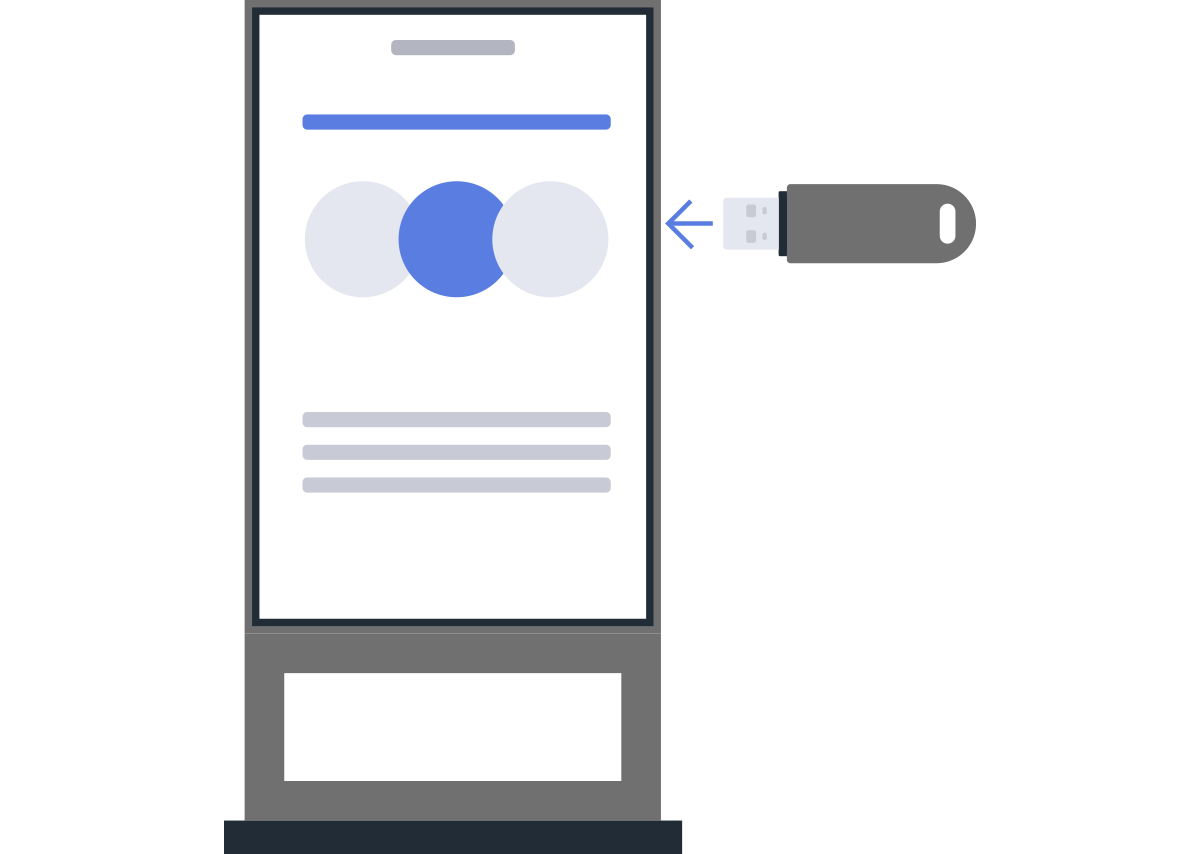
By selecting the icon on the [Home] screen in the “Pro settings” environment, initial setup begins and you can start using it immediately. No external equipment is required, enabling standalone signage operation. Additionally, HTML5 applications can be launched via USB drive, and flexible playlist creation is possible, such as specifying playback order through folder structure and file names.
BRAVIA Signage(Paid)
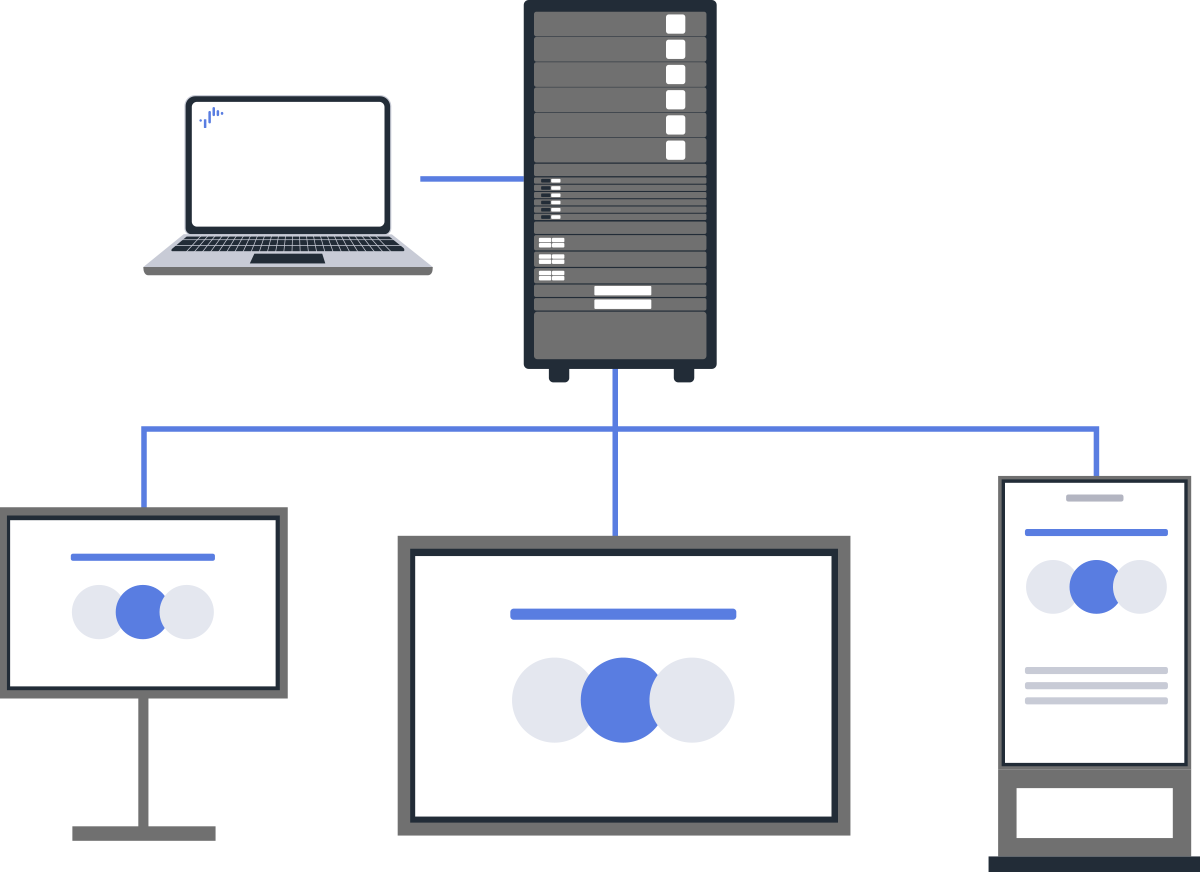
It supports a wide variety of content formats, including HTML5, and enables centralized management and scheduled delivery over a network to up to 600 monitors across multiple locations. It can also integrate with external content servers, enabling flexible system design. A separate contract is required.